
For ChatGPT and Claude
A recipe app your AI assistant can use
ChatGPT and Claude are good at suggesting what to cook. They can't see the recipes you've already saved, what you've planned for the week, or what's on your shopping list. Cuoco gives them that. Connect it once and your assistant works with your own recipes, meal plan and list.
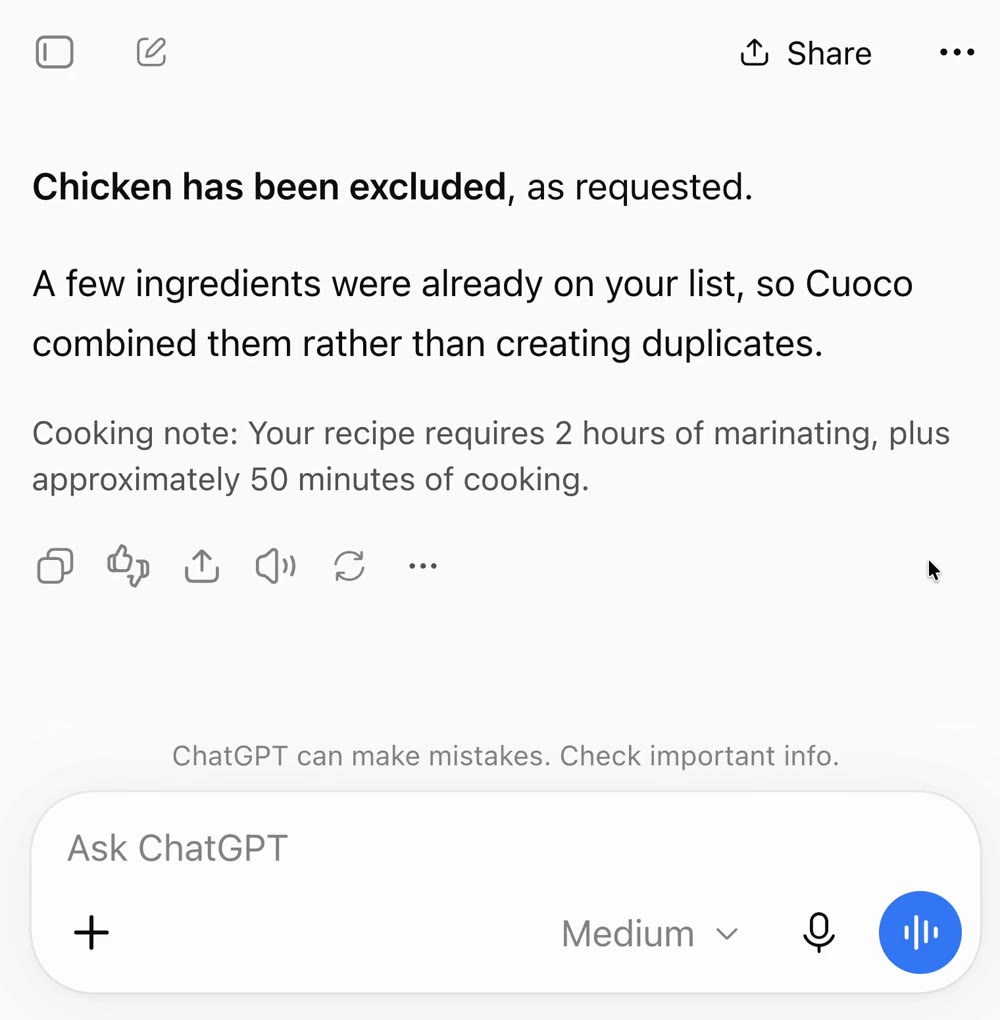
What you can ask
- What recipes do I have in Cuoco that use chicken?
- What's on my meal plan this week?
- Add my lasagne to Friday's dinner.
- Add the ingredients for Friday's dinner to my shopping list.
- What's still on my shopping list?
- Save this recipe to Cuoco: (then paste a link)
- Make a collection called Quick weeknights and add my chilli to it.
- What have I cooked most often?
What your assistant can do
Recipes
Search your recipes and read any of them in your own units. Save a new one from a link or from text in your chat. Edit a recipe or mark it as a favourite.
Collections
See your collections, create or rename one, and add or remove recipes. See what you've cooked recently and most often.
Meal plan
See what's planned, add a recipe or a note to a day, or take one off.
Shopping list
See your list, add items or a whole recipe's ingredients, tick things off, edit or remove an item, and clear what you've ticked.
You stay in control
- It asks before making changes, unless you've told it to always allow them.
- It can't delete recipes or collections.
- It can't clear your whole meal plan or shopping list in one go.
- It can't touch your account or subscription.
Edits your assistant makes to a recipe can't be undone, so check what it's about to change before you allow it.
How it works
Cuoco has its own MCP connector. MCP (Model Context Protocol) is the open standard that lets AI assistants use other apps. You add Cuoco's address to Claude or ChatGPT as a custom connector, sign in with the account you use in the app, and choose Allow. It takes about a minute.
What you need
- Cuoco on your iPhone, with a free 7-day trial or a subscription.
- Claude on any plan, or ChatGPT (tested on ChatGPT Plus).
Questions
- Is Cuoco in the ChatGPT or Claude app directory?
- Not yet. You add it yourself as a custom connector, which takes about a minute. How to connect
- Does it cost extra?
- No. Saving recipes and adding to your shopping list through an assistant use your normal Cuoco AI allowance.
- What is MCP?
- MCP (Model Context Protocol) is the open standard that lets AI assistants use other apps. Cuoco has its own MCP connector, which is what Claude and ChatGPT talk to.
- Can I disconnect?
- Yes, at any time. In the Cuoco app, go to Settings, then Connected Apps, and choose Disconnect.